Turn Screen Recordings into Enterprise-Ready Documentation in Minutes
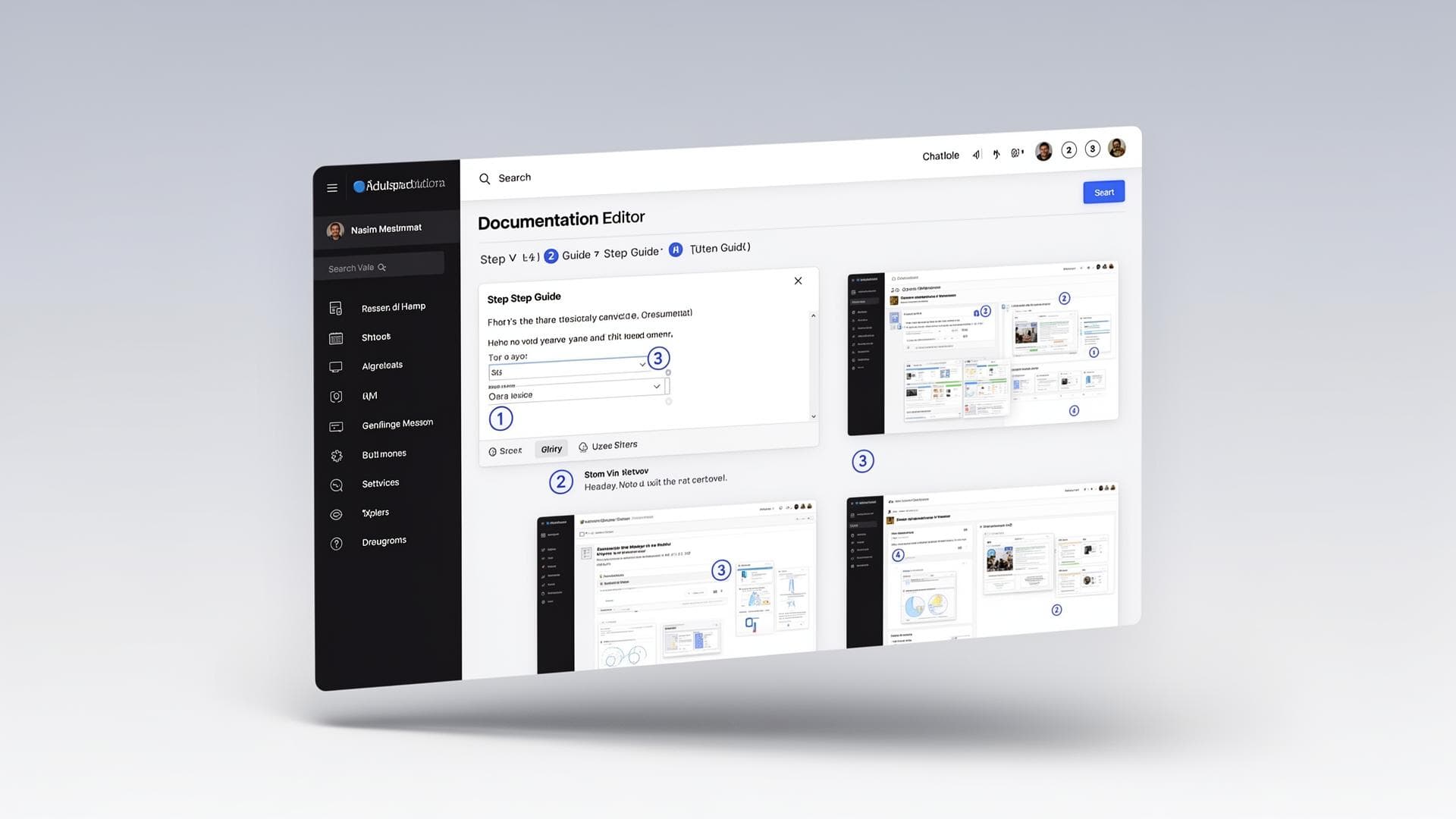
AXO uses AI to automatically convert browser-based workflows into structured, branded step-by-step guides. Built for IT teams, system integrators, trainers, and compliance-driven organizations.
Join the AXO waitlist
New accounts are approved before sign-up so production access stays controlled while the platform is in rollout.
Enterprise Documentation is Broken
Enterprise teams rely on accurate documentation for cloud configuration, compliance, SOPs, onboarding, and training — but current methods don't scale.
Documentation takes hours to create
Screenshots become outdated quickly
Sensitive data must be manually redacted
Formatting is inconsistent across teams
Capture Once. Document Automatically.
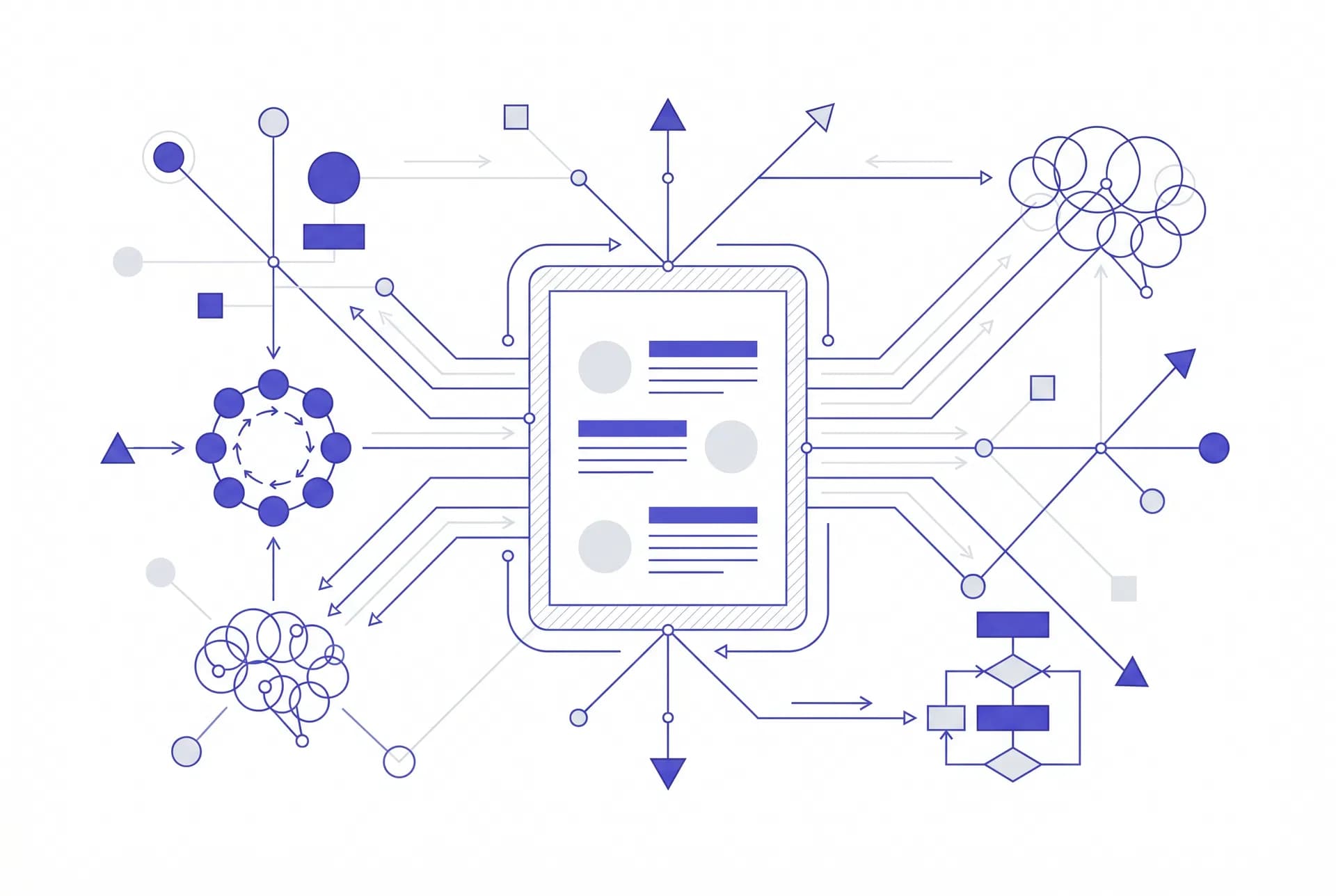
AXO is an AI-powered video-to-documentation platform that transforms screen recordings into structured, export-ready guides.
Why Teams Choose AXO
Reduce Documentation Time by 80%+
Generate structured documentation in minutes instead of hours.
Maintain Documentation Accuracy
Re-record when UI changes. Regenerate updated documentation quickly.
Built-In Compliance Controls
Blur or redact sensitive data directly inside the platform.
Standardized Documentation
Consistent formatting across all guides.
Scale Training
Replace repeated live walkthroughs with structured guides.
Built for Enterprise Workflows
Cloud Configuration Guides
Record Azure or AWS workflows and generate client-ready branded documentation.
Compliance SOP Documentation
Generate structured SOPs with built-in redaction and audit trail.
Product Onboarding
Create up-to-date tutorials instantly and share via secure link.
Four Steps to Professional Documentation
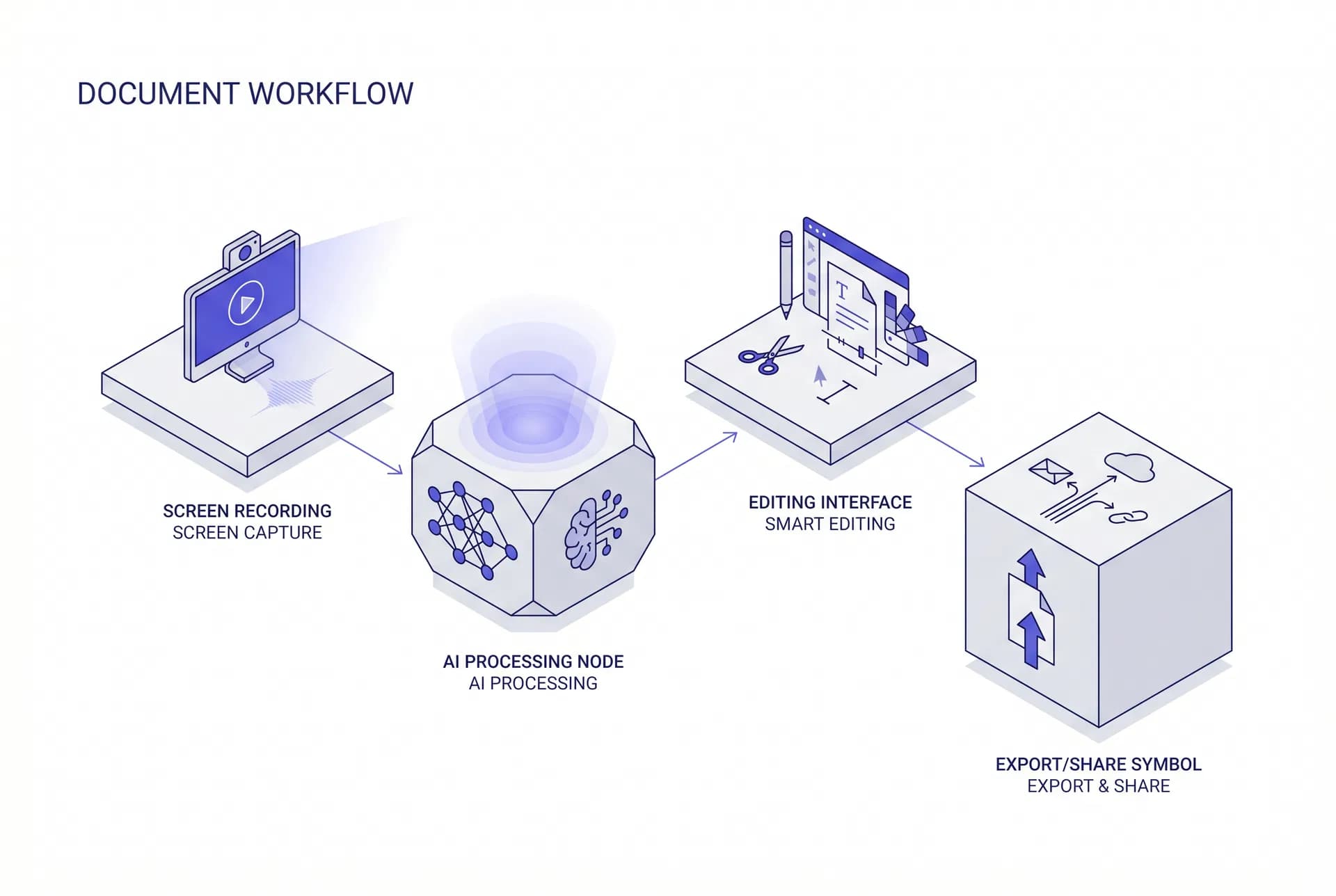
Record or Upload
Record your workflow via the Chrome extension or upload an existing video.
AI Analyzes
AXO's AI detects actions, extracts screenshots, and generates structured steps.
Review & Edit
Fine-tune your documentation with the drag-and-drop editor.
Export & Share
Export branded PDF/DOCX or share via a secure, revocable link.
Everything You Need, Built In
AI Step Detection
Automatically identifies clicks, inputs, and navigation.
Auto Screenshot Extraction
Captures relevant screenshots per step.
Auto UI Highlighting
Highlights interacted elements with numbered boxes.
Step-by-Step Editor
Drag-and-drop reorder, auto-renumbering, undo/redo.
Compliance Screenshot Editor
Blur, crop, arrows, highlight boxes.
PDF & DOCX Export
Branded, enterprise-ready documents.
Shareable Links
Secure read-only viewer with revoke option.
Audit Trail
Full edit logging with timestamps and user tracking.
AXO vs. The Status Quo
| Feature | AXO | Screen Recorder | Manual Docs |
|---|---|---|---|
| Step Detection | Automated | None | Manual |
| Screenshot Extraction | Automatic | Manual | Manual |
| Compliance Tools | Built-in | Limited | External |
| Audit Trail | Included | None | None |
| Output Format | Structured PDF/DOCX | Video only | Inconsistent |
Start Generating Documentation Automatically
Record your first workflow and generate a structured guide in minutes. No credit card required.
Frequently Asked Questions
AXO's AI achieves over 95% accuracy in detecting user actions, clicks, and navigation steps. The system uses advanced computer vision and DOM analysis to identify interactions precisely. Any missed or incorrectly detected steps can be easily corrected in the drag-and-drop editor.
Absolutely. AXO is built with enterprise security in mind. All data is encrypted in transit and at rest. We support SSO, role-based access controls, and provide a full audit trail. Sensitive data can be blurred or redacted directly within the platform before sharing.
AXO exports to PDF, DOCX, and shareable web links. All exports maintain your brand formatting, including logos, colors, and typography. Shareable links include read-only viewers with optional revocation controls.
Most recordings are processed within 2–5 minutes, depending on length. A typical 10-minute workflow recording generates a complete structured guide in under 3 minutes. You'll receive a notification when your documentation is ready for review.